Image-heavy banners
Text may be locked inside images, harder to resize, harder to translate, and harder for assistive technology.
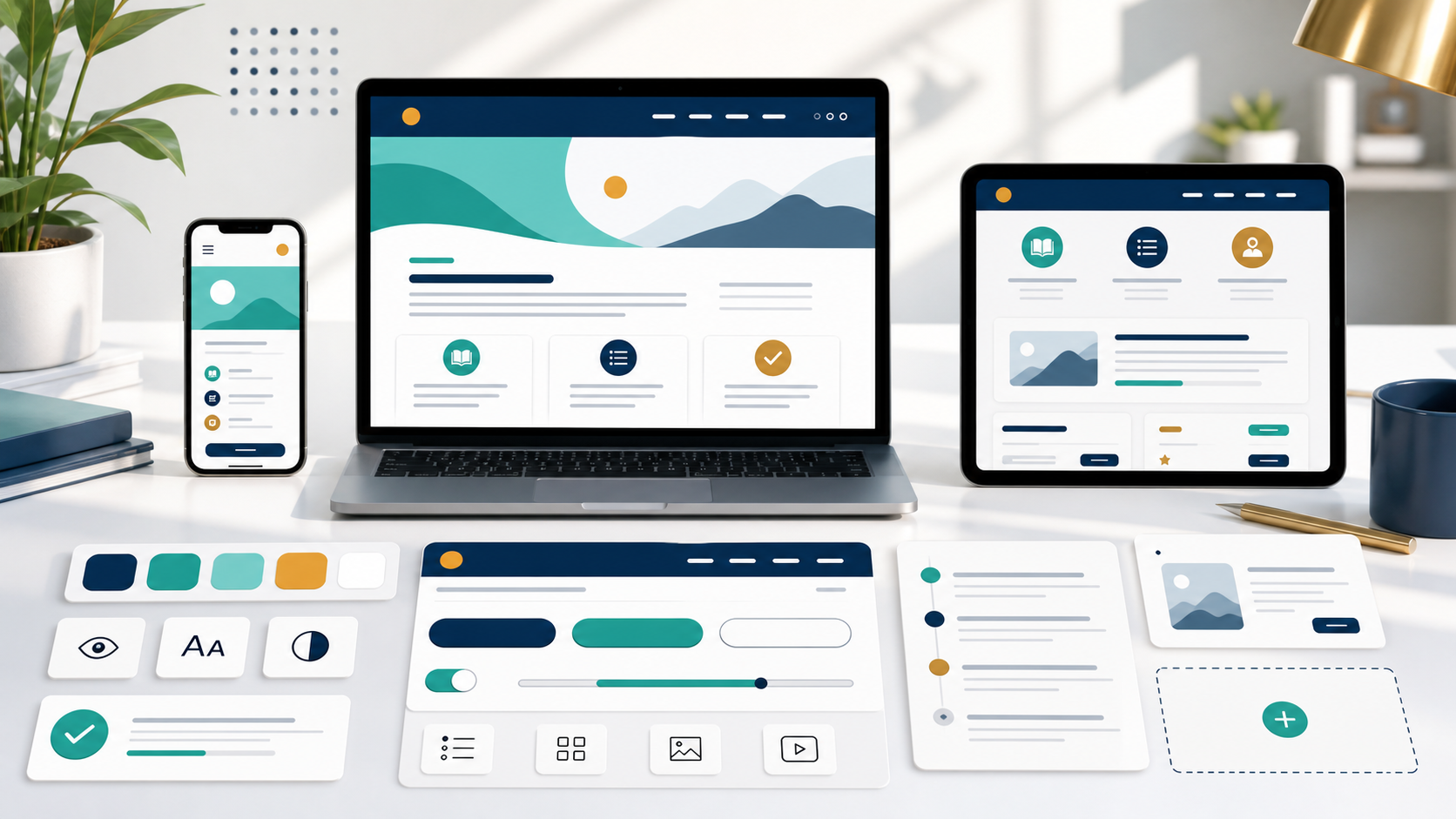
UMA Course Template System
Cleaner course pages, stronger accessibility foundations, reusable components, and a more consistent learner experience across D2L.
The Current Challenge
Many course pages rely on custom visual decisions, text embedded in images, and page-by-page formatting. That can look designed in one context but become fragile across devices, zoom levels, accessibility needs, and future course updates.
Text may be locked inside images, harder to resize, harder to translate, and harder for assistive technology.
Course titles, headings, labels, and instructions stay readable, responsive, searchable, and maintainable.
Research Backing
WCAG Images of Text guidance supports using CSS-styled text instead of bitmap text when technology can achieve the presentation.
Sourceweb.dev recommends placing text in markup rather than embedding it in images because image text is not screen-reader friendly or responsive.
SourceResponsive grids, stacked layouts, and real text help learners use content at mobile sizes and browser zoom.
SourceAesthetic and minimalist design focuses attention on what users need, rather than adding unnecessary decorative complexity.
SourceOpen the research foundation brief for a source-backed handout that others can use without presenting the full deck.
The Design Move
CSS, JavaScript, snippets, and assets hosted once.
Components use shared names, styles, and behavior.
Reusable snippets and generator patterns reduce formatting work.
Future fixes can ship through the central assets.
What We Built
What is the preferred way to render a course banner title?
Semantic markup and ARIA patterns create a stronger foundation for keyboard and assistive technology use.
Cards, grids, tables, and media blocks adapt across screen sizes instead of depending on fixed image layouts.
Shared snippets allow authors to reuse proven patterns rather than rebuilding page sections manually.
Live reference examples show what each pattern looks like and how it should be used.
Use the main prototype page to navigate through components, page templates, generator, and course examples.
Show the learner-facing course flow in context, starting with the Week 1 overview and objectives page.
Authoring Workflow
The generator prototype shows the long-term authoring direction: structured fields in, centralized HTML out. That reduces formatting guesswork and keeps course production aligned to the design system.
Structured content becomes reusable page sections.
Centralized styles keep visual quality consistent.
Copy-ready output supports D2L authoring without manual reconstruction.
Open GeneratorRecommendation
The redesign is aligned with WCAG guidance, responsive design, usability heuristics, and design-system practice.
This creates a stronger accessibility foundation. It should not be called fully WCAG-compliant until formally audited.
Use this presentation to explain the rationale, then show the live course examples and component library in D2L context.
Use this brief as the companion link for stakeholders who want the rationale, source list, and careful claims in one place.